Do you ever feel the urge to shake things up in your backyard? Turn it into the oasis of the neighborhood and make it a gathering place for friends and family? To really envision something extraordinary, though — especially if you’re having a hard time coming up with fantastic ideas — you might want to allow technology to help you out.
Whether you’re new to the world of apps or a tech expert, we have six backyard design apps that can be used by anyone. You can design the backyard of your dreams with their array of pictures and features, then head to your local garden supply store to make it a reality!
Landscaper’s Companion – Plant & Gardening Guide
A great app to help you with landscaping your backyard is Landscaper’s Companion. With a database of more than 26,000 plants and 21,000 photos, it can help provide you with a ton of information when considering which plants would look best in your yard. It is currently only compatible with iOS.
Home Outside
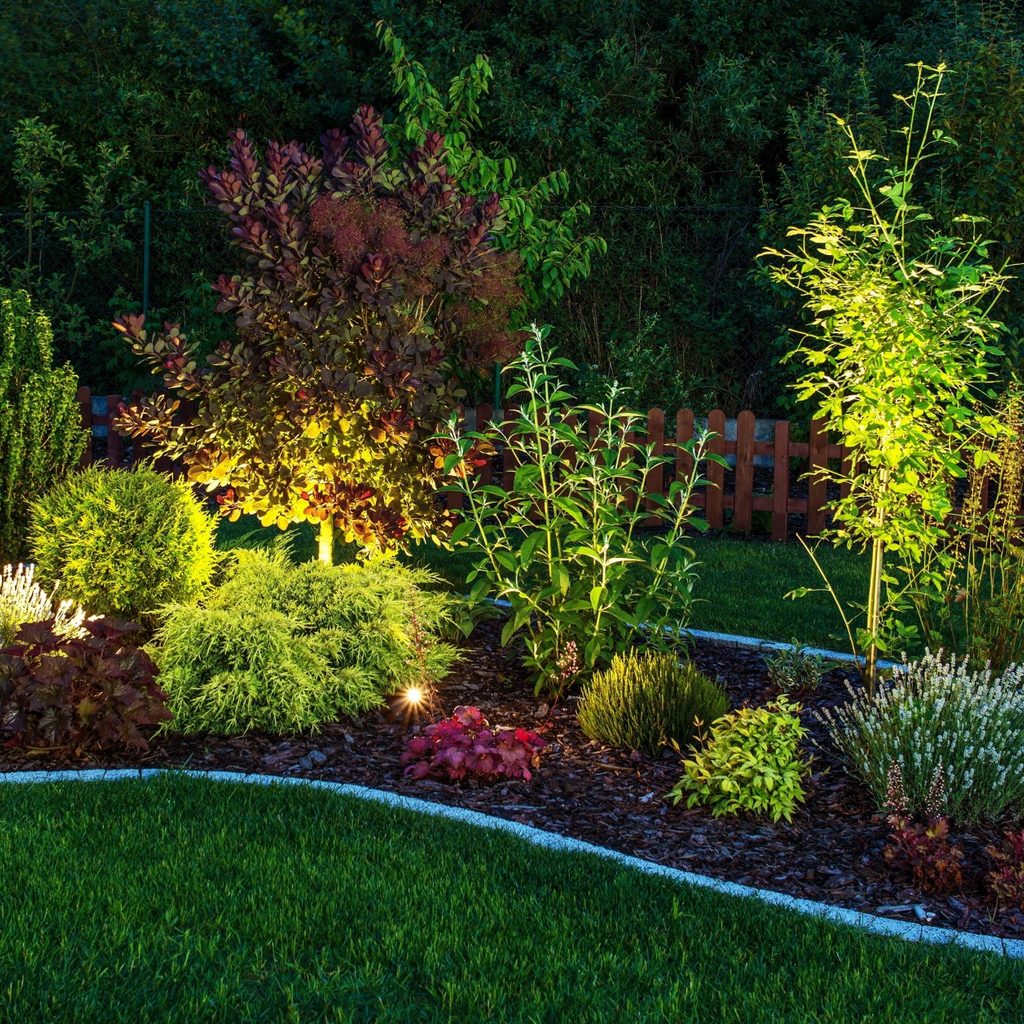
Another great app that can help you give your yard a makeover is Home Outside. It’s available for both iPhone and Android. Its interface is super simple to use, which opens up the world of landscape planning to just about anyone. With this app, you can choose from 29 different palettes and over 700 different elements to create your ideal backyard sanctuary.
Just a few of the exceptional features you’ll find within the Home Outside app are various tools, including an import function that allows you to import images of your home from Google Maps. It also has a sketch tool, which allows you to draw free-form shapes and garden beds.
PRO Landscape Home
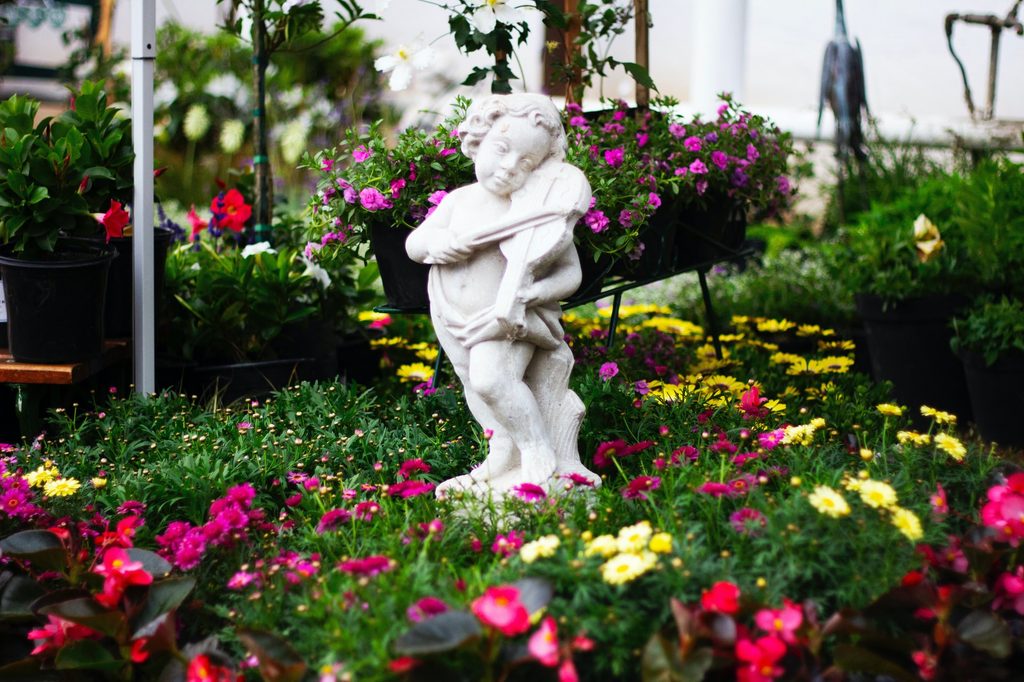
PRO Landscape Home, which is available for both iPhone and Android, is similar to Home Outside in that you can take photos and import them into the app. You can then use elements from the app’s library to edit the image and see how things would look in real life if you incorporated them into your designs.
Just some of those elements include photos of flowers, trees, and shrubs that you can place on top of pictures of your backyard. Additionally, you can resize every element and create custom areas with mulch, pavement, or grass. This app is free to use, but it offers a paid option with a more extensive library of elements that can provide an incredible amount of variety in your designs.
iScape
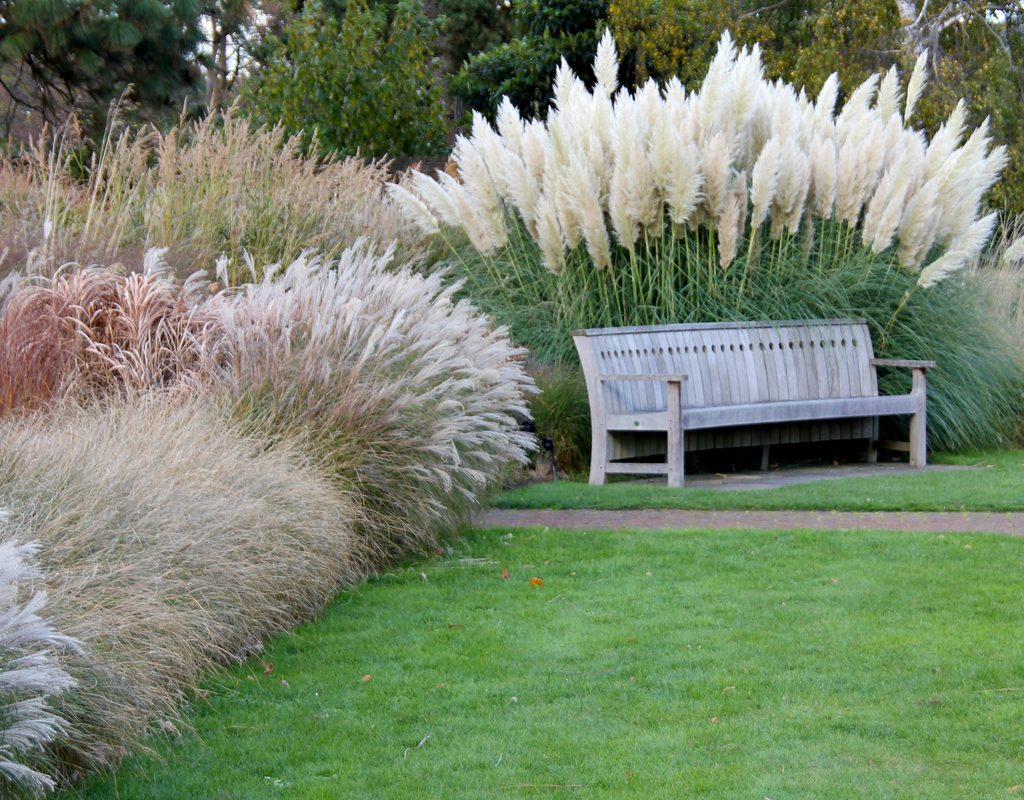
The iScape app has a free and paid version, and it’s available on both the iPhone and Android. Many consider it one of the most accessible landscaping apps to use, although it’s similar to other apps on this list in terms of features. For instance, you can import photos and then place various elements on those photos to get an idea of what a space might look like with them included. It’s perfect for envisioning a space before spending time or money creating it.
Gardena myGarden
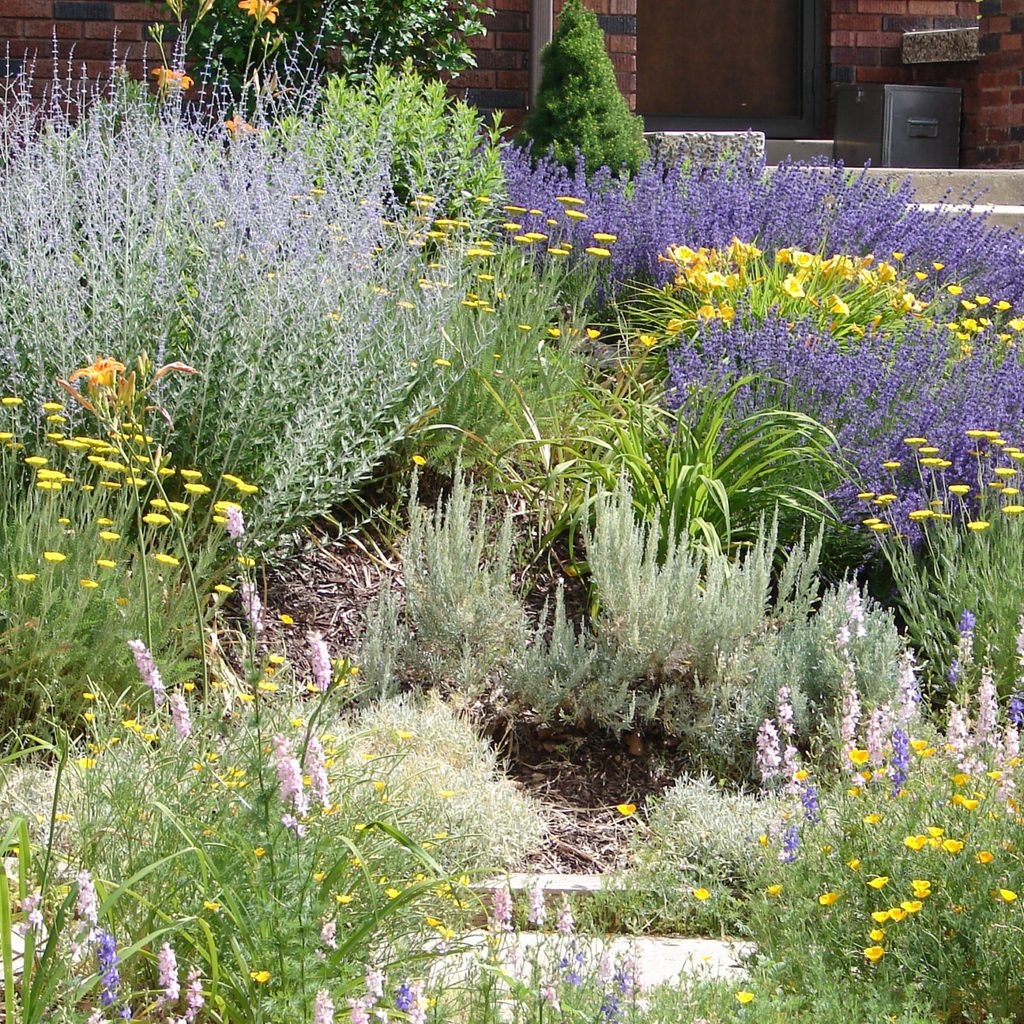
Gardena myGarden is a free web app that you can use from any browser on laptops, PCs, and tablets. Although the editing functions are not accessible on smartphones, your saved designs are. MyGarden is useful for arranging shrubs, trees, flowers, structures, and pathways. It also has a sprinkler feature to help you see what sprinkler system is the best fit for your yard. The web app also has pre-made example gardens that you can use as a jumping-off point for your own designs.
Live Home 3D
While Live Home 3D can help you design your home’s interior, it can be of use for mapping your outdoor space, too. Compatible with iPhones, Androids, and desktops, the app is good for developing floor plans and rendering 3D images. Along with visualizing greenery, you can also consider where your appliances and patio furniture should go.
Plus, you can play around with lighting to see how your space will look during both daytime and nighttime. There’s a free version, as well as a Pro paid version with expanded features. Yard designers may especially want to consider the paid edition, as it allows users to replicate their landscape and terrain precisely with advanced visualization tools.
Using the designs you create
Once you’ve selected your app and used it to create the perfect garden plan, it’s time to make it a reality. That might be overwhelming, especially if you haven’t undertaken such a project before, but don’t panic! Here are the steps to follow to take your design from the screen to 3D!
Start with the biggest projects first. Adding a gazebo, water feature, or terrace to your garden will take longer than planting flowers, and any flowers you plant before working on these projects could be damaged during the construction. List the projects you want to complete by size and work from the largest projects to the smallest.
Make a list of all the supplies you need for each project before you start. There are few things more frustrating than getting halfway through a project, only to realize that you don’t have enough soil and have to go back to the store. You don’t need to get everything at once, but you should get everything you need for each project before starting that project.
Keep a copy of your plan with you while shopping. This will help ensure you don’t forget anything, and you can show it to employees if you need help finding something or choosing between two similar products.
List a few alternatives for each plant. It can be heartbreaking to set your sights on a specific plant, only to find it sold out everywhere you look. You can delay your plans in the hopes of finding some, but it is faster and more convenient to keep your options open. Listing a few plants that have similar needs, sizes, and aesthetics will help your shopping go more smoothly.
Your backyard obviously needs to be spruced up and beautified — or you wouldn’t be reading this article! Maybe you want to redesign the entire layout, or perhaps you just want to see where you might best place a little flower garden. With the apps above, you can create designs and share them with family, friends, and the contractor you’ve been thinking of hiring.
Getting feedback before beginning a project is a pretty wise thing to do. We think it’s worth checking out one or more of these apps to get a realistic picture of what the final results of your landscaping might be.